






First Alert Onelink Hardwired Wi-Fi Smoke & Carbon Monoxide Alarm with Battery Backup, HomeKit-enabled - AC10-500

Onelink by First Alert. Always Connected. Always Protected.
The world's first Hardwired HomeKit-enabled Wi-Fi Smoke + CO Alarm:
Tested to the highest industry standards for safety and security, plus with HomeKit, privacy is built in and data is always encrypted.
10 year sealed battery for peace of mind:
No costly battery replacements for the life of the alarm and no low battery chirps in the middle of the night.
Be notified when something is not right:
This alarm sends you notifications in the event of a smoke or carbon monoxide emergency, you can also test and silence false alarms on your iPhone or iPad. Requires iOS 9.0 or later.
Alarms work together and will talk to you:
Telling you the type of danger (smoke or CO) and where it is located. These alarms will also work together, when one Onelink alarm sounds all wirelessly interconnected Onelink alarms will sound as one.
Unique Bluetooth mesh for constant connectivity:
These alarms utilize unique Bluetooth mesh to speak with each other and Wi-Fi allows users to receive emergency notifications.
First Alert Onelink Hardwired Wi-Fi Smoke & Carbon Monoxide Alarm - 1036469 Product Description
Onelink Hardwired Wi-Fi Smoke & Carbon Monoxide Alarm
The HomeKit-enabled Onelink by First Alert Wi-Fi Smoke + Carbon Monoxide Alarm and the free Onelink Home app on your iPhone or iPad work for your peace of mind, so you know your home is safer and truly just one link away. This alarm will detect and alert you in the event of a Smoke or Carbon Monoxide emergency. With the Onelink by First Alert Wi-Fi Smoke+Carbon Monoxide Alarm you can forget about battery replacements because this alarm doesn't need them. This alarm was designed to last for 10 years, the longest time permitted by the National Fire Code. This product is intended for non-professional do it yourself installation. If you would like information about a professionally installed and monitored system, please contact First Alert Professional. First Alert Professional is not affiliated with BRK Brands, Inc.
First Alert Onelink Hardwired Wi-Fi Smoke & Carbon Monoxide Alarm AC10-500
Download the Onelink app. Choose the Onelink product you purchased. Follow the instructions in the app to install and set-up
- How is my CO Detector?
- How is my Smoke detector?
- Do I have a smoke detector?
- Is the smoke alarm tripped?
- Is the CO alarm tripped?
- How is the Carbon Monoxide detector?
- Change the brightness on my smoke detector to [x] percent.
Onelink by First Alert. Always Connected. Always Protected.
- 2 in 1 protection/Photoelectric smoke and electrochemical CO sensors
- 10 Year CO Sensor/10 Year End of Life/ Ten Year Battery
- 10 year sealed battery/no costly battery replacements for the life of the alarm
- No low battery chirps in the middle of the night
- Wi-Fi and Bluetooth Wireless Interconnect
- Hardwire Compatibility - Can be interconnected with all First Alert/BRK hardwired smoke, CO and Combo alarms
- Voice with Location - Voice announces programmed location of the unit and danger detected
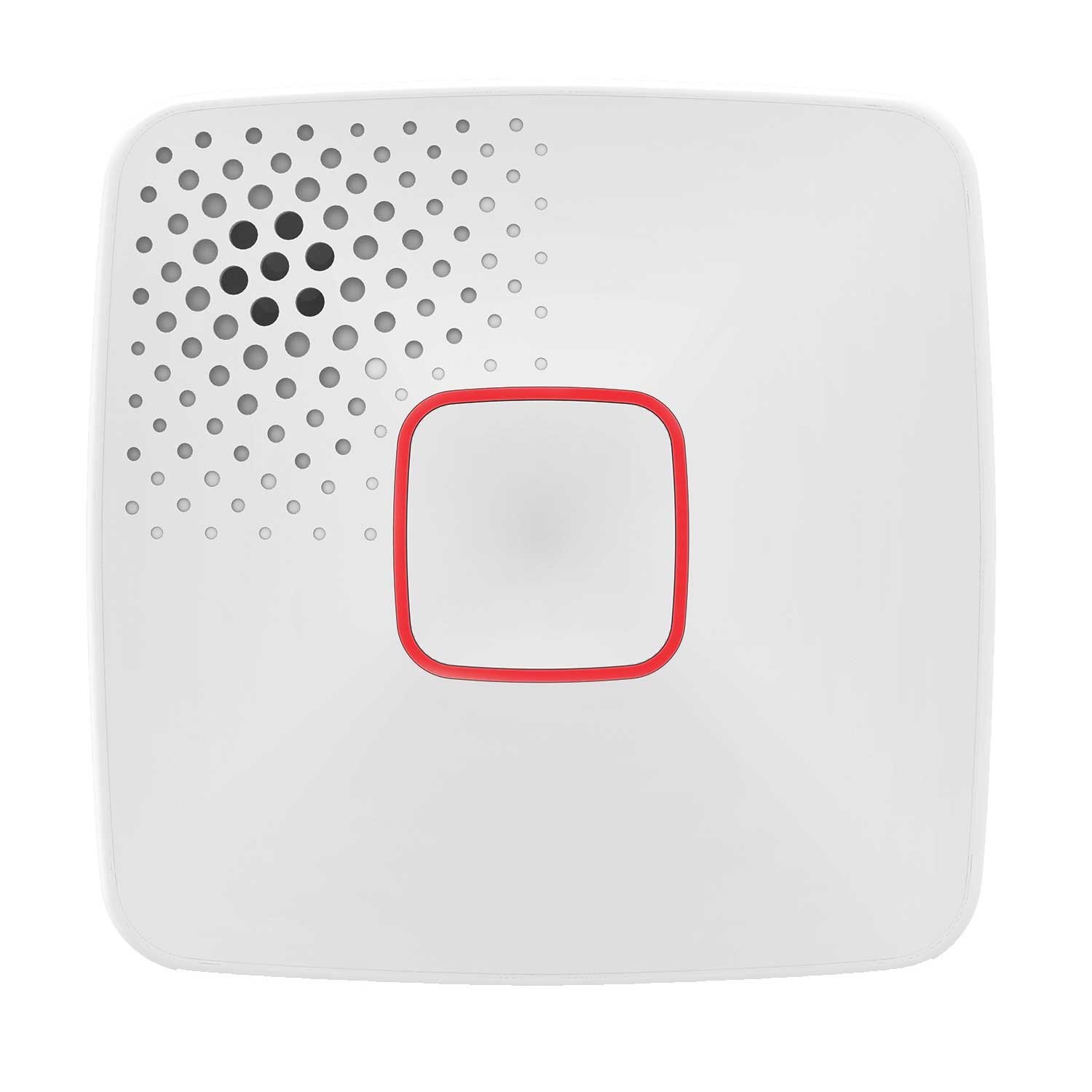
- Multicolor Indicator Ring Provides visual indication of various alarm states
- Bluetooth Mesh Network Communication/2 way communication allows alarms to speak with one another
- Utilization of Wi-Fi allows users to receive emergency notifications
- Receive notifications via iPhone, iPad and iPad Touch (Requires iOS 9.0 or later)
- Product Dimensions (LxWxH): 5.4 x 1.25 x 5.5 in.
- 10 Year Limited Warranty
First Alert Onelink Hardwired Wi-Fi Smoke & Carbon Monoxide Alarm - 1036469 Reviews
This item works very well just what I needed so that I get notified of an alarm at my house when I'm not home. This was an upgrade to the system I have in place without replacing every smoke head I have,
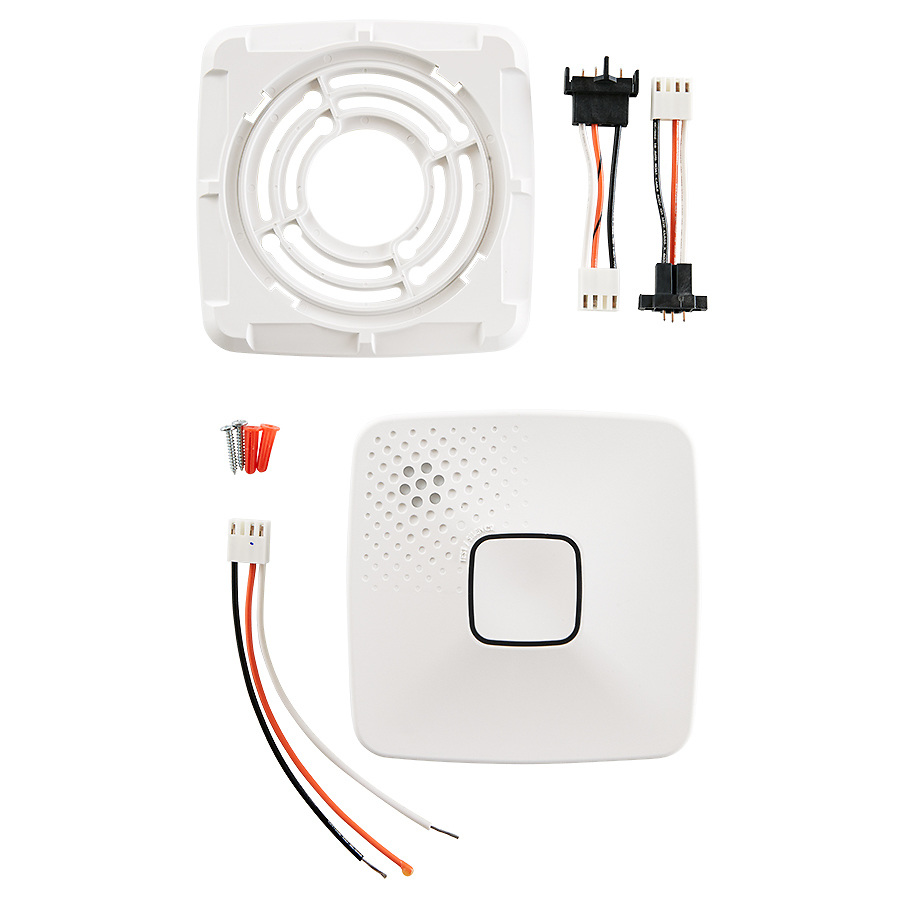
The product came with all the hardware needed for the install. Enrolling it into HomeKit was easy if you strictly follow the instructions. I ran into some trouble and had to reset and start over.
These seem to be very good units, and make a great upgrade from my old ones.
Very impressed with the Onelink, the install, setup and configuration was very quick and easy
The directions were very clear, the installation was simple, the setup and configuration was straightforward. I specifically like the ability to know which alarm was the source of the detection and the remote monitoring when I'm out of the house.
Purchased the One Link hardwired detector to compliment our Home Kit accessories. Installation was simple as we current have First Alert hardwired detectors - The quick connect harness from our previous detector fit this system. Home Kit setup took longer than installation, but I expected technology issues….Here's to hoping that the detector sits mounted to the ceiling and never needs to be active!!
Easy to install and set up!
Product is very install to install. We choose it for the sleek and minimal profile.
installation was pretty easy, hard part was navigating my step ladder into and out of the house. You can launch the OneLink Home app from within AppleHomekit to see detectors status smoke and carbon monoxide and battery status, and you can initiate alarm test from your cellphone. I haven't had a fire yet or a CO alert when not home or even if I was home, but presume those notifications will be delivered to my iPhone. Now if they would only make a OneLink explosive gas detector for natural gas, LP leaks...
All the parts I needed to hard-wire this unit to my house were in the box. After install using the app to set up WiFi and alerts was just as simple. Setup was easy.