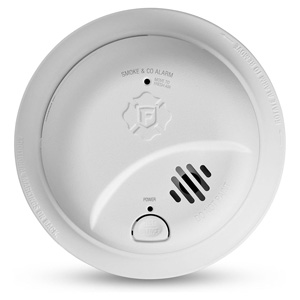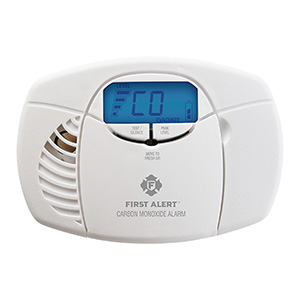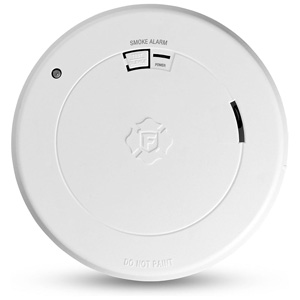
Smoke Alarm Installation and Placement
Ensure your home is protected with our First Alert smoke alarm installation guide. Learn the best placement for every room, understand NFPA recommendations, and avoid dead air zones to keep your family safe.
If your smoke alarm is chirping, beeping, or making short sounds at regular intervals, it is usually trying to tell you something important. In many cases, a chirp does not mean the alarm is detecting smoke. Instead, it often points to a maintenance issue such as a low battery, an end-of-life warning, a power problem, or a sensor condition that needs attention.
This guide explains the most common reasons a smoke alarm chirps, what different beep patterns may mean, and what steps you can take to troubleshoot the issue safely.
A chirping smoke alarm is often a warning that the unit needs service, testing, cleaning, battery replacement, or full replacement. The exact meaning can vary by model, but these are some of the most common causes:
It is important to know the difference between a maintenance chirp and a full emergency alarm. A chirp is usually a short, occasional sound meant to alert you to a problem with the unit itself. A full alarm is a loud repeating pattern meant to warn of smoke or fire.
If the alarm is sounding loudly and repeatedly and you suspect smoke or fire, leave the area immediately and follow your fire escape plan. Only troubleshoot the alarm after everyone is safe.
Beep patterns can vary by model, so the owner's manual for your specific alarm is always the best reference. Still, there are some common patterns customers often notice:
Because patterns differ by model, the best next step is to locate the model number on the back of the unit and compare the sound pattern to the product instructions.
A low battery is the first thing most people should check when a smoke alarm starts chirping. Replaceable-battery alarms and hardwired alarms with battery backup both depend on a properly installed, working battery.
If the chirping continues after installing a fresh battery, another issue may be causing the warning.
This is a very common issue. A new battery does not always solve the problem immediately. Here are some reasons the chirping may continue:
Reset steps can vary by model, but these general steps often help with chirping caused by battery changes or residual charge:
Always refer to your model-specific instructions before performing maintenance on a hardwired unit.
Smoke alarms do not last forever. Most smoke alarms should be replaced after 10 years because the sensing components can degrade over time. Even if the alarm still seems to work, the sensing chamber may no longer offer the same level of protection as a newer unit.
Many alarms are designed to chirp when they reach end of life. This warning can sound similar to a low battery chirp, which is why checking the age of the unit is so important.
Most smoke alarms have a manufacture date printed on the back or side of the unit. In many cases, this date is used to determine when the alarm should be replaced.
If the label is missing, faded, or unreadable, replacing the unit is often the safest choice.
Smoke alarms should be kept clean. Dust, cobwebs, grease, and insects can build up inside the sensing chamber and affect how the alarm behaves. In some cases, contamination can contribute to chirping, nuisance alarms, or inconsistent operation.
Regular maintenance may include:
If the unit continues chirping after cleaning, battery replacement, and reset steps, it may have an internal fault or may simply need to be replaced.
If you have a hardwired smoke alarm, chirping does not always mean the house power is off. Many hardwired units also use a backup battery, and that battery may still need replacement. Other hardwired issues can include:
When troubleshooting a hardwired unit, make sure both the AC power connection and the backup battery are considered.
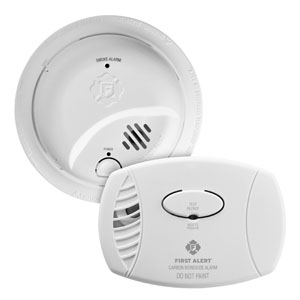
Knowing which type of alarm you have can help explain the chirping behavior.
Basic troubleshooting can solve many common chirping issues, but replacement is usually the better option in these situations:
A chirp at regular intervals often points to a low battery, end-of-life warning, or another maintenance condition rather than an active smoke emergency.
No. A chirp can also mean the alarm has reached end of life, needs to be reset, has a battery drawer issue, has lost power, or may have a sensor-related problem.
The battery may not be installed correctly, the compartment may not be fully closed, the alarm may need a reset, or the unit may be expired and need replacement.
Many models do. An end-of-life chirp is common once the alarm reaches its recommended service limit, which is often 10 years from the manufacture date.
Beep and light patterns vary by model, so the best approach is to find the model number on the back of the alarm and compare the pattern to that unit's manual or product support instructions.
Ensure your home is protected with our First Alert smoke alarm installation guide. Learn the best placement for every room, understand NFPA recommendations, and avoid dead air zones to keep your family safe.
Learn where to install smoke alarms on every level and near bedrooms, plus where not to place them. Avoid “dead air” corners, vents, and ceiling fans for reliable detection.
Learn the differences between hardwired and battery smoke alarms and how to install each type. Includes wiring basics, placement tips, and when to choose each option.
Learn how to interconnect multiple smoke alarms so all units sound together. Covers hardwired interconnect, wireless options, compatibility tips, and troubleshooting.
Learn when to replace your First Alert smoke alarm, how to identify your connection type, choose the right replacement, install it safely, and dispose of old alarms responsibly.
Learn smoke alarm placement rules for apartments and rental homes, who is typically responsible for installation and upkeep, and hardwired vs battery options. Non-legal code basics included.
Learn where to install carbon monoxide alarms, how many you need, and placement tips for houses, apartments, and rentals - plus what to do when an alarm sounds.
Learn where to place carbon monoxide detectors for best protection - every level, near sleeping areas, and the right distance from appliances. CO alarms don’t need to be near the floor.
Compare hardwired, battery, and plug-in carbon monoxide alarms and follow simple installation steps for each type, plus placement tips, safety notes, and FAQs.
Learn what carbon monoxide is, where it comes from, what CO detectors detect (and don’t), whether they detect natural gas, and how to know if your home needs CO alarms.
Learn when to replace your First Alert carbon monoxide alarm, how to swap battery, plug-in, or hardwired models step-by-step, choose the right replacement, and dispose safely.
Learn CO detector placement for apartments and rental homes, who typically handles installation and battery changes, hardwired vs battery vs plug-in options, and basic code concepts (non-legal advice).
Learn how often to test smoke and CO alarms, how to test step-by-step, what to do if a test fails, how to reset First Alert alarms, and how monthly cleaning helps prevent false alarms.
Learn how often to test smoke alarms, how to test them step by step, what the test button checks, what to do if a smoke alarm fails, and common maintenance tips.
Learn how often to test carbon monoxide detectors, how to test them step by step, what the test button checks, what to do if a CO alarm fails, and helpful maintenance tips.
Learn what to do if a smoke alarm or carbon monoxide alarm fails testing, including battery checks, power checks, cleaning, reset steps, and when to replace the unit.
Learn how to reset a First Alert smoke alarm or carbon monoxide alarm step by step, including battery, plug-in, and hardwired models, plus common reasons an alarm needs a reset.
Learn how to clean a smoke alarm step by step, why dust buildup matters, how monthly vacuuming can help reduce nuisance alarms, and common cleaning mistakes to avoid.
Learn why your smoke alarm chirps, what beep patterns mean, how to prevent nuisance alarms, why alarms chirp after battery changes, and when it is time to replace an expired unit.
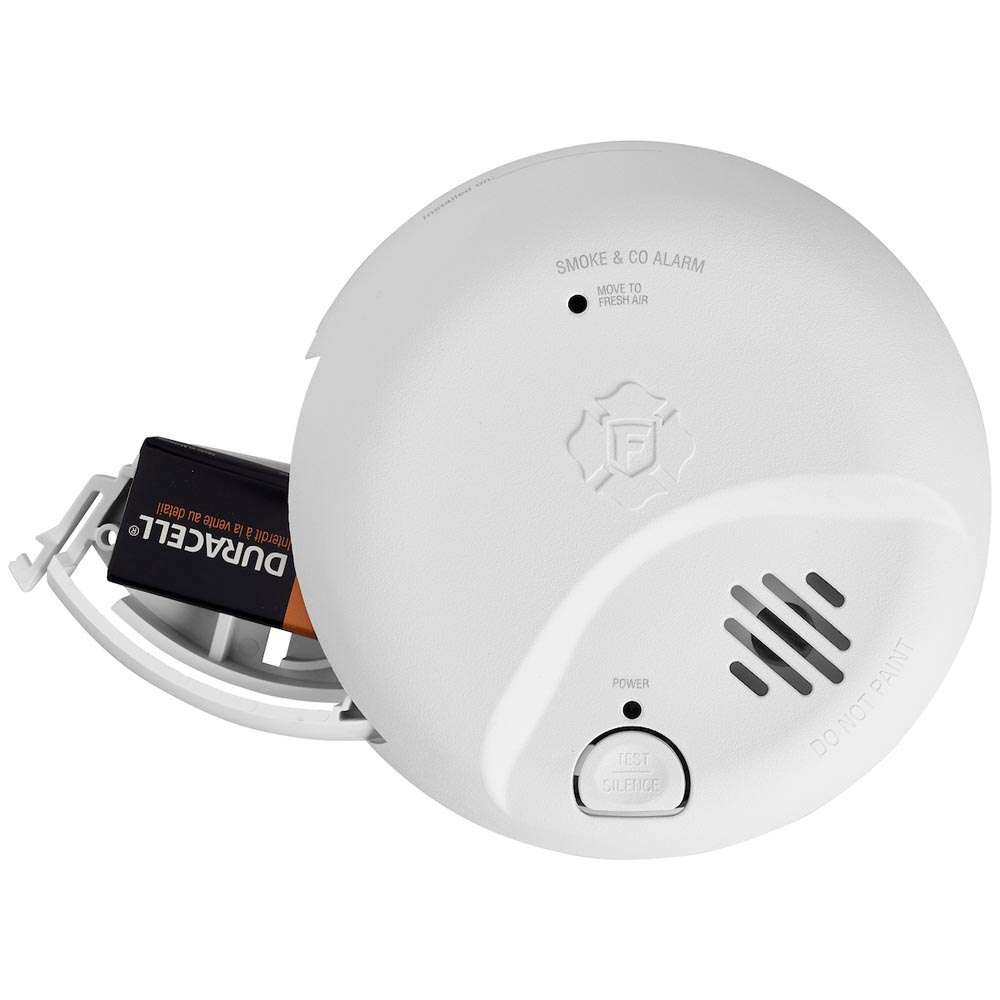
Learn why your smoke alarm is chirping, what different beep patterns may mean, and how to troubleshoot low battery, end-of-life, power, and sensor-related issues.
Learn why your carbon monoxide alarm is chirping, what different beep patterns may mean, and how to troubleshoot low battery, end-of-life, power, and sensor-related issues.
Learn why smoke alarms go off without visible smoke, what causes nuisance alarms from cooking, steam, humidity, and dust, and how to help prevent false alarms.
Learn why a smoke or carbon monoxide alarm may still chirp after a new battery is installed, including reset steps, battery fit issues, drawer problems, and end-of-life warnings.
Learn how to change a First Alert smoke alarm battery, how battery replacement differs from sealed 10-year battery models, and what to do if the alarm still chirps after replacement.
Learn how to find the manufacture date on a smoke alarm, why smoke alarms expire after 10 years, and why an alarm may need replacement even if it still seems to work.
Contact options may differ depending on the type of help you need.