






Customer Reviews For The Onelink Secure Connect Dual-Band Mesh Wi-Fi Router System
Overall Rating
Product Reviews
Product FAQs
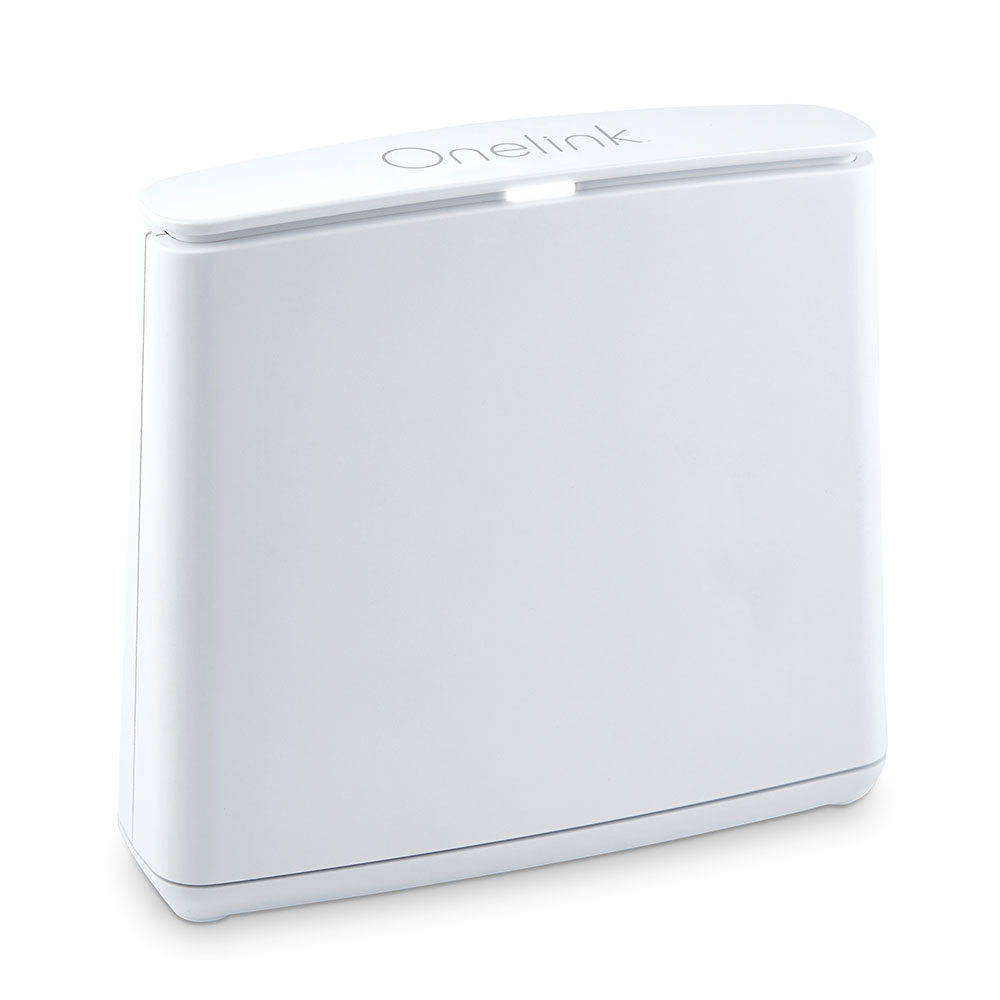
They are a high-speed Wi-Fi solution designed to cover your whole home and eliminate dead zones. They can be used alone or in groups. How many you get, and whether you get dual or tri-band, depends on your home size and the internet speed you want.
A dual-band router transmits 2 simultaneous wireless signals in your home: one at the 2.4GHz band and one at 5GHz. Tri-band gives you 3 signals, one at 2.4GHz and 2 at 5GHz. More signals mean you can handle more Internet traffic in your home.
All you need is an Internet Service Provider (ISP) and the modem that comes with it, and a device that you can use to access the Secure Connect app. You'll also need outlets where you are placing your Wi-Fi points.
True to First Alert's legacy of home safety and protection, the system places a premium on security by creating a closed, private network to help detect and prevent cyber-threats and hacks. The technology scans every outbound connection from the network to analyze URLs and IP addresses to detect malicious traffic and infected machines. Users are notified of any potentially suspect activity and, if restricted settings are enabled, it can block any questionable content.
Onelink Connect is continuously monitoring your network for malicious activity. If malicious activity is present, you will be notified via the Onelink Connect app.
The Emergency Override feature works with the Onelink Safe & Sound to automatically override screens on most smart TVs, tablets, and smart phones connected to Onelink Connect in the event of a smoke or carbon monoxide emergency.
Connect includes Wi-Fi point(s), power adapters, and an Ethernet cable. Position your Wi-Fi points where you want them, plug them in, connect one with your current modem, and download the Connect app to finish setup and control your Wi-Fi.
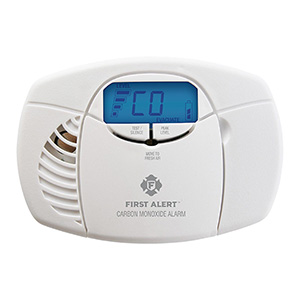
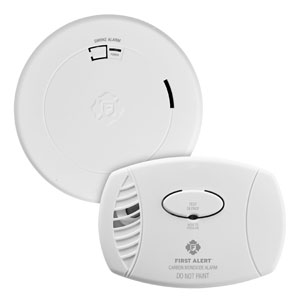
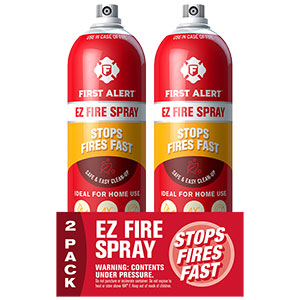
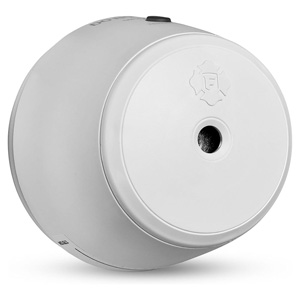
Read customer ratings and reviews for the Onelink Secure Connect Dual-Band Mesh Wi-Fi Router System | Whole Home Coverage Up to 1,500 Sq Ft. Learn what other customers have to say about their experiences, including what they liked, how the Onelink Secure Connect Dual-Band Mesh Wi-Fi Router System met their expectations, and any concerns they encountered. These firsthand perspectives can provide helpful information beyond the standard product description.
Browse the reviews to compare customer ratings, explore positive and critical feedback, and make a more informed purchasing decision. If you've purchased or used this product, we encourage you to share your experience and help other shoppers find the right product for their needs.