


Testing and Maintenance
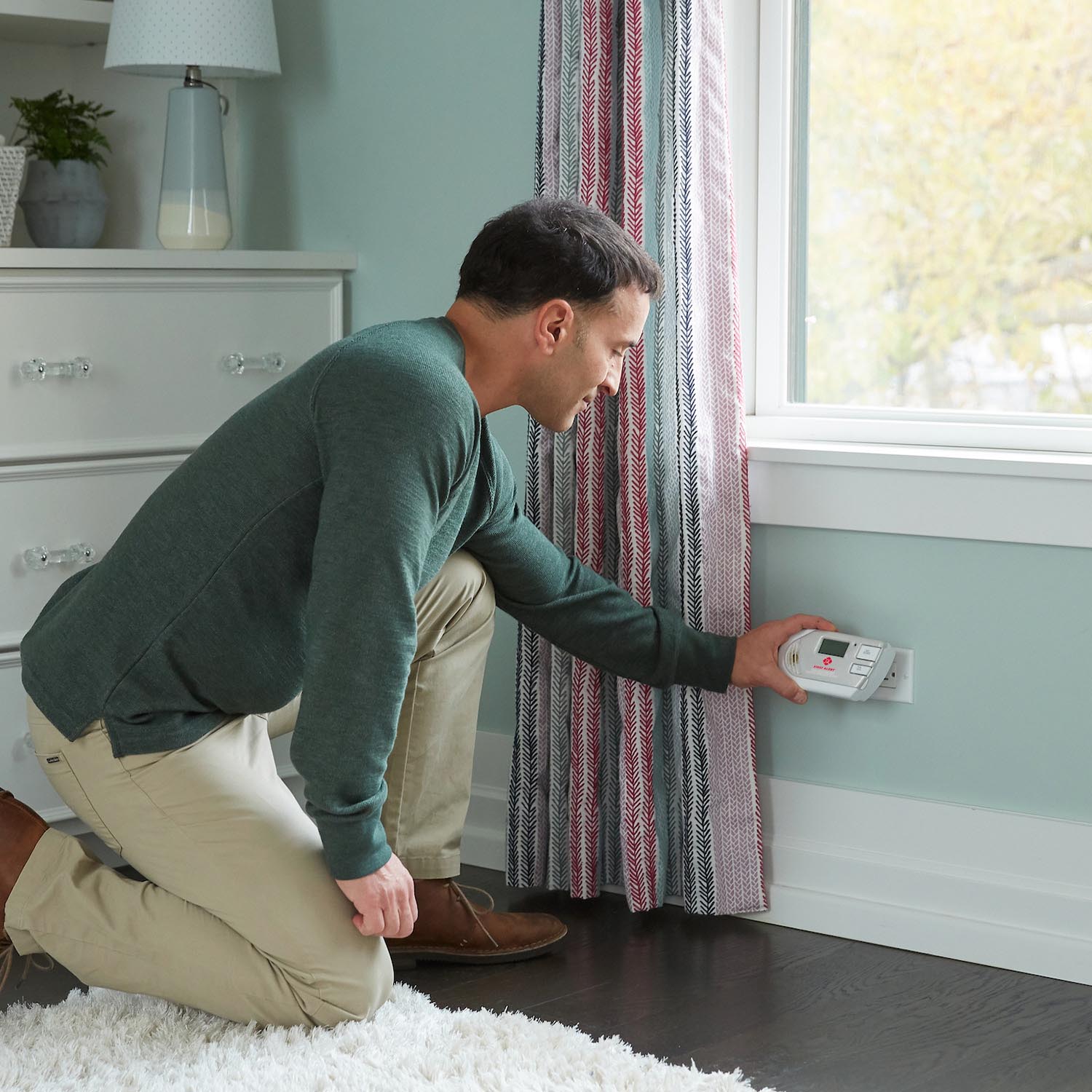
Learn how often to test smoke and CO alarms, how to test step-by-step, what to do if a test fails, how to reset First Alert alarms, and how monthly cleaning helps prevent false alarms.
Related Topics:
 Smoke Alarm Tips
 Carbon Monoxide Alarm Tips
 Interconnected Smoke Alarm Tips
 Extinguishing Spray Tips
 Other Safety Product Tips
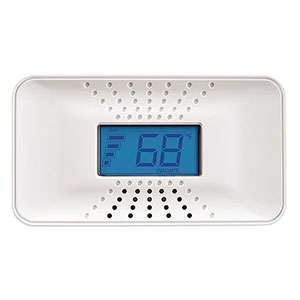
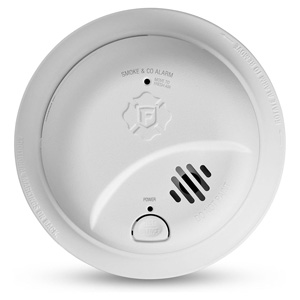
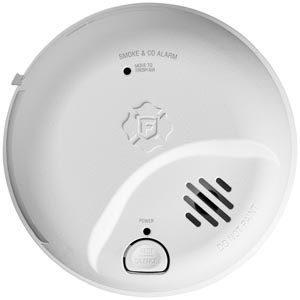
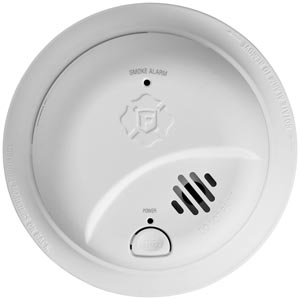
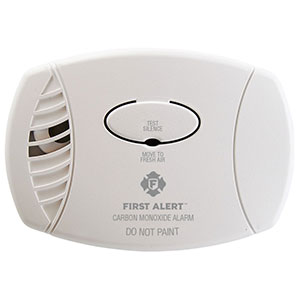
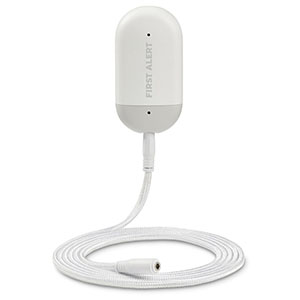
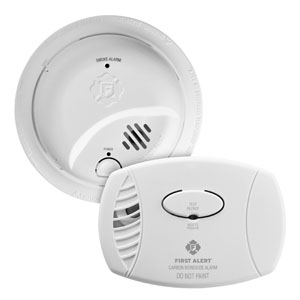
If your smoke alarm or carbon monoxide alarm does not respond correctly during a test, do not ignore it. A failed test may mean the unit has lost power, needs maintenance, has been installed incorrectly, or has reached the end of its service life.
In many cases, the problem is something simple like a low battery, dust buildup, or a loose connection. The good news is that there are several basic steps you can take before deciding whether the alarm needs to be replaced.
An alarm may be considered to have failed testing if any of the following happen when you press and hold the Test button:
A failed test does not always mean the alarm is defective. Start with the simplest checks first, since many issues can be corrected quickly.
One of the most common reasons an alarm fails testing is a power issue. The solution depends on the type of alarm you have.
Some alarms will not operate correctly unless they are fully seated on the mounting bracket. If the unit is loose, misaligned, or not fully twisted into place, it may fail testing or chirp unexpectedly.
Dust, lint, grease, and pet hair can collect around alarm vents and interfere with normal operation. Cleaning is one of the easiest maintenance steps and is often overlooked.
Monthly vacuuming can also help reduce nuisance alarms and keep the unit performing more reliably over time.
If the alarm still does not behave normally after checking power and cleaning it, a reset may help clear a temporary issue.
Smoke and carbon monoxide alarms do not last forever. If an alarm fails testing even after basic troubleshooting, it may be at the end of its service life.
Many newer alarms include an end-of-life chirp or indicator to let you know replacement time is approaching or has arrived.
You should strongly consider replacement if:
If your alarm is going off because it may be detecting real smoke or carbon monoxide, do not treat it as a failed test issue. Respond as if it is a real emergency until you know otherwise.
Start by checking the power source. Replace the battery if the model uses one, confirm the battery is installed correctly, and make sure hardwired or plug-in models are receiving power before testing again.
Yes. Dust and debris around the alarm vents can interfere with normal performance. Vacuuming the alarm gently is a good maintenance step and may help restore normal operation.
Not always. You should also check mounting, household power, cleaning, and reset steps. If the alarm still does not pass testing after that, replacement is usually the best next step.
In many compatible interconnected systems, yes. If one alarm is tested, the others should usually sound as well. If they do not, check power, compatibility, and connections.
Check the manufacture date and the recommended replacement timeline for the model. If the unit has reached end-of-life, replacing it is the safest choice even if it still appears to have power.
No. If there is any chance of a real emergency, respond to the alarm first, get to safety, and treat the situation as real until you know it is safe.
If an alarm fails testing, do not leave the issue unresolved. A few simple checks may fix the problem, but if the unit still does not pass, replacing it is the safest way to maintain protection in your home.
Explore related support articles and resources for this topic.
Learn how often to test smoke and CO alarms, how to test step-by-step, what to do if a test fails, how to reset First Alert alarms, and how monthly cleaning helps prevent false alarms.
Contact options may differ depending on the type of help you need.