



Troubleshooting Common Issues
Learn why your smoke alarm chirps, what beep patterns mean, how to prevent nuisance alarms, why alarms chirp after battery changes, and when it is time to replace an expired unit.
Related Topics:
 Smoke Alarm Tips
 Carbon Monoxide Alarm Tips
 Interconnected Smoke Alarm Tips
 Extinguishing Spray Tips
 Other Safety Product Tips
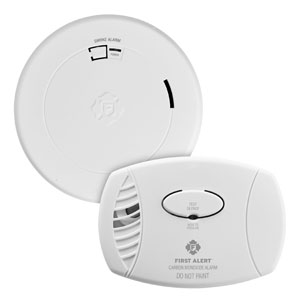
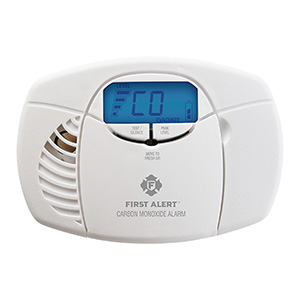
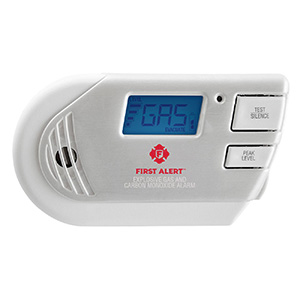
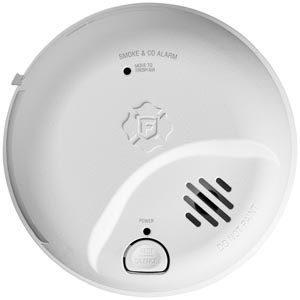
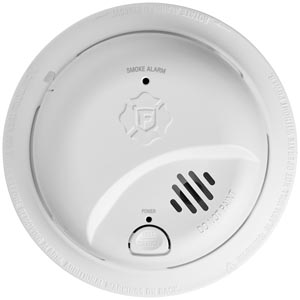
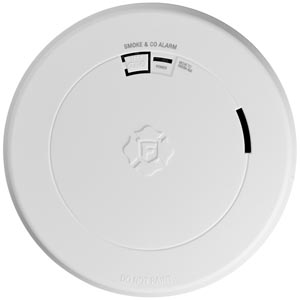
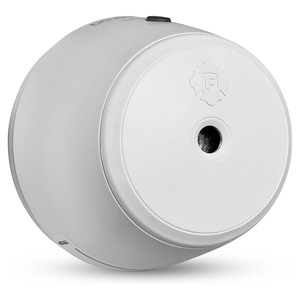
Many customers are surprised to learn that smoke alarms do not last forever. Even if a unit still flashes, chirps, or responds when you press the test button, that does not always mean the smoke sensor is still performing at the level it should. Smoke alarms have a limited service life, and in most cases they should be replaced after 10 years.
This guide explains the difference between a manufacture date and an expiration timeline, where to find the date on the back of the alarm, and why replacement matters even when the alarm still appears to work.
Yes. Smoke alarms can expire even if they still seem to work. The test button mainly confirms that the unit has power and can sound the horn. It does not fully verify that the smoke-sensing components inside the alarm are still performing like they did when the unit was new.
Over time, the sensing chamber and electronic components can degrade. Dust, environmental exposure, age, and normal wear all affect long-term performance. That is why smoke alarms are generally replaced after 10 years, even if they still beep, flash, or pass a basic button test.
One of the most common points of confusion is the difference between the manufacture date and the date when the alarm should be replaced.
In other words, many alarms do not have a separate printed "expiration date." Instead, you typically use the manufacture date to determine when the unit has reached the end of its recommended service life.
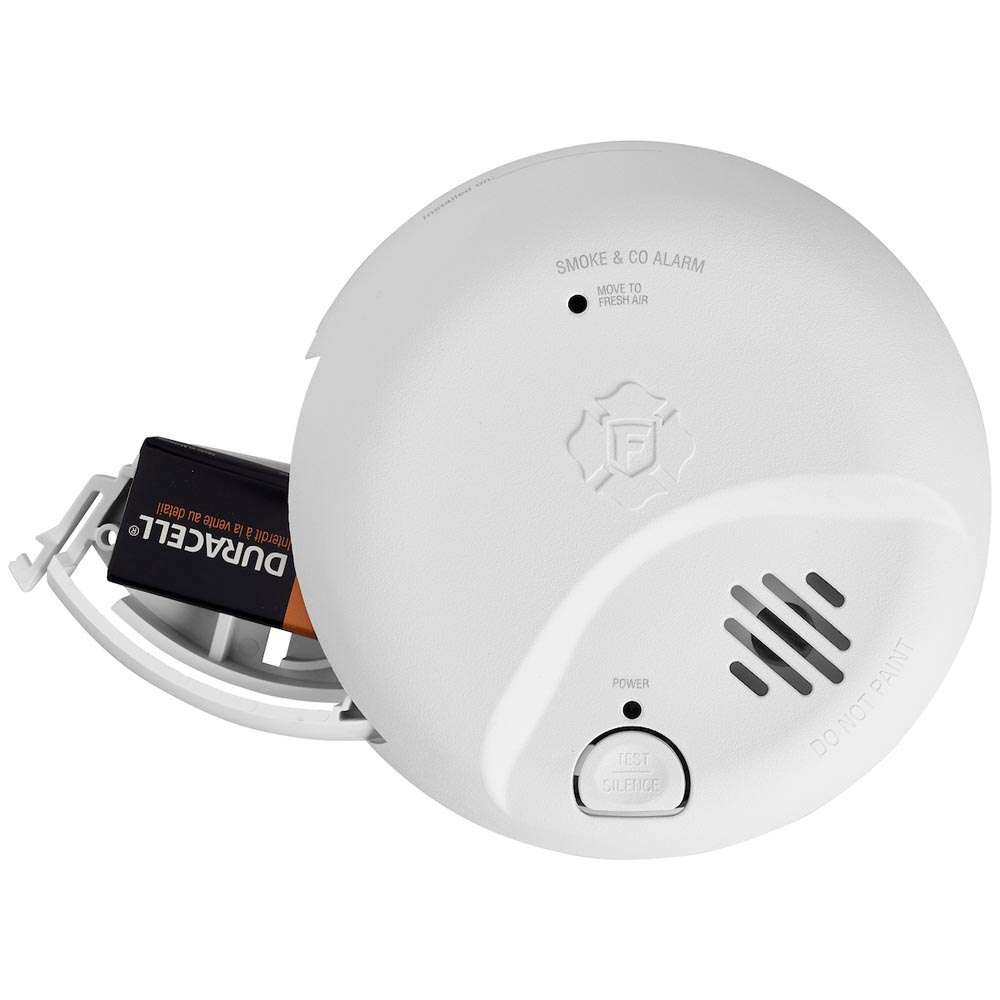
If you are not sure how old your smoke alarm is, the first step is to inspect the label on the unit itself.
The label may also show the model number, electrical information, and other product details. If the print is small, a flashlight may help.
Sometimes the label is faded, dusty, painted over, or difficult to read. If you cannot determine the age of the alarm, replacing it is often the safest option. An alarm with an unknown age may already be near or beyond its recommended service life.
This is especially important if the unit has other signs of age, such as yellowing plastic, repeated chirping, nuisance alarms, or inconsistent behavior.
Smoke alarms are exposed to years of temperature changes, humidity, airborne dust, grease, household contaminants, and normal aging. Over time, these factors can affect sensor reliability and overall performance.
Common reasons alarms are replaced after 10 years include:
Even if the alarm still makes sound during a test, the sensor may not respond as accurately or consistently as it should in a real emergency after many years of use.
The test button is important, but it has limits. Pressing the test button usually confirms that the alarm has power and that the horn can sound. It does not prove the sensing element is still performing like a new alarm.
That is why an alarm may still seem functional while still being old enough to require replacement.
Age is one of the biggest reasons to replace a smoke alarm, but there are other warning signs as well.
If any of these apply, replacement is often more reliable than continued troubleshooting.
No. Replacing the battery helps keep the alarm powered, but it does not reset the age of the smoke sensor. A fresh battery cannot restore an older sensor that has reached the end of its intended service life.
This is why a smoke alarm can still chirp or require replacement even after a new battery is installed.
It is important to understand that battery type and alarm age are separate things.
Changing a removable battery helps maintain power, but it does not make an old alarm new again.
An older alarm may still appear normal, but its sensing ability may no longer be as dependable. Keeping an alarm past its recommended life can mean relying on outdated or degraded components during a real emergency.
Replacing an older alarm helps maintain more reliable protection and can also give you access to newer features, updated designs, and easier maintenance depending on the model you choose.
Once you install a new smoke alarm, it helps to make replacement easier in the future by keeping a simple record.
You should consider replacing the alarm right away when:
Yes. A smoke alarm can still beep or pass a button test while the sensing components have aged enough that replacement is recommended.
The manufacture date is usually printed on the back or side label of the alarm. You may need to remove the unit from its mounting bracket to see it clearly.
Not exactly. The manufacture date shows when the alarm was made. In many cases, the recommended replacement point is 10 years from that date.
Over time, the sensor and internal electronics can degrade because of age, dust, humidity, and normal environmental exposure, which can reduce long-term reliability.
No. A new battery restores power, but it does not reset the age of the sensor or extend the recommended service life of the alarm itself.
Explore related support articles and resources for this topic.
Learn why your smoke alarm chirps, what beep patterns mean, how to prevent nuisance alarms, why alarms chirp after battery changes, and when it is time to replace an expired unit.
Contact options may differ depending on the type of help you need.